A system fault
Describe what stopped working, when it started and which area is affected.

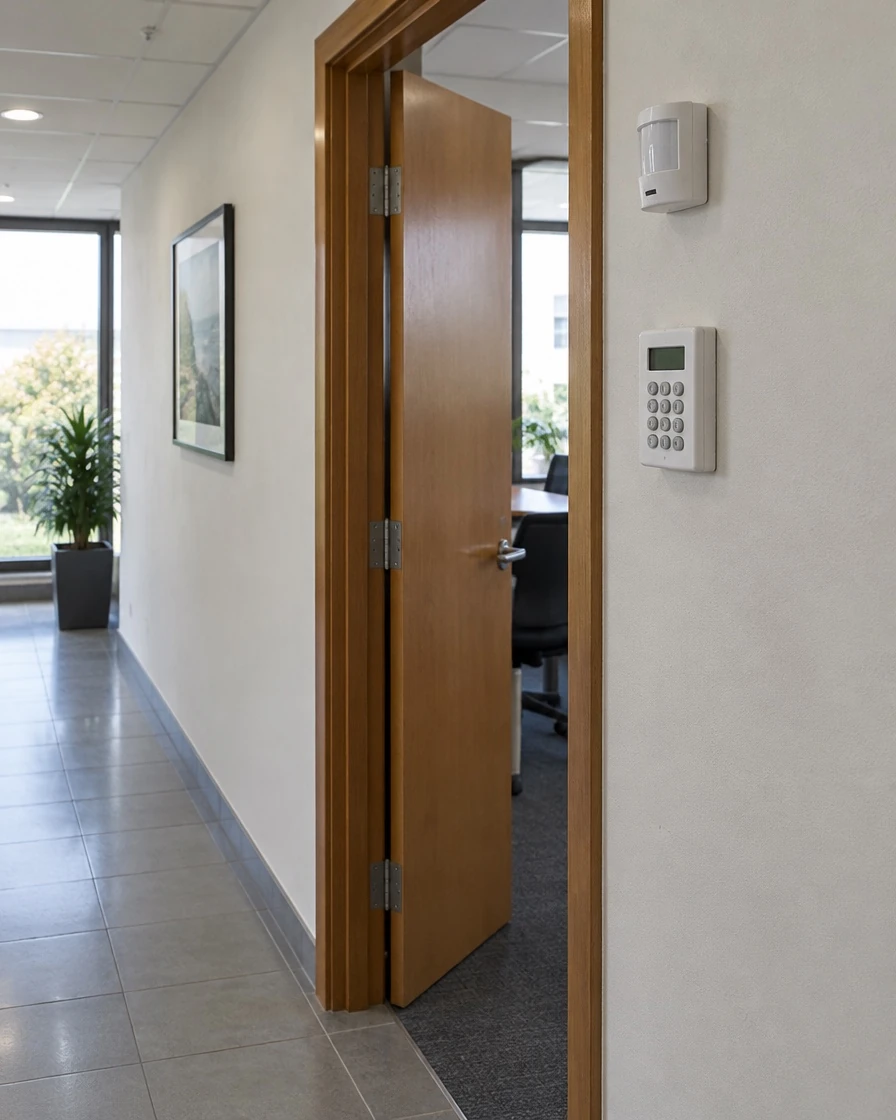
Get help with camera faults, unreliable entry readers or recurring alarms. Describe the issue so Craig can discuss the right support.
Describe what stopped working, when it started and which area is affected.
New doors, layouts, staff or operating hours may affect the existing setup.
List the systems, site and any known issues.
A short fault history helps explain what needs attention.
Identify CCTV, access control or alarms. Add the make or model if you know it.
Say whether the issue affects an entrance, recordings, detection or daily use. Do not send alarm codes or passwords.
Share a short fault history and any checks already made.
Operating hours and access restrictions can be discussed during follow-up.
Repairs, visits and ongoing support.
Describe the system and site. Hillstone can review whether it is suitable for support.
The website request does not set a response time. Describe the issue so Hillstone can confirm what support is available.
Include the property suburb, system type, fault and its effect on the business. Do not share security codes or passwords.
Yes. Include the systems in use, any known issues and your operating hours. The visit scope and schedule can then be agreed for the premises.
If faults keep returning, the premises have changed or the system no longer meets your needs, ask for repair and upgrade options to be assessed together. The condition and compatibility of the existing equipment matter.
Clear information helps arrange suitable support.
Choose the system, describe the fault and give your location.
Hillstone reviews the request and discusses access, scope and availability.
Confirm the visit and work before it goes ahead.
Describe the fault, the affected system and your location. Hillstone will review the request and discuss the next step.